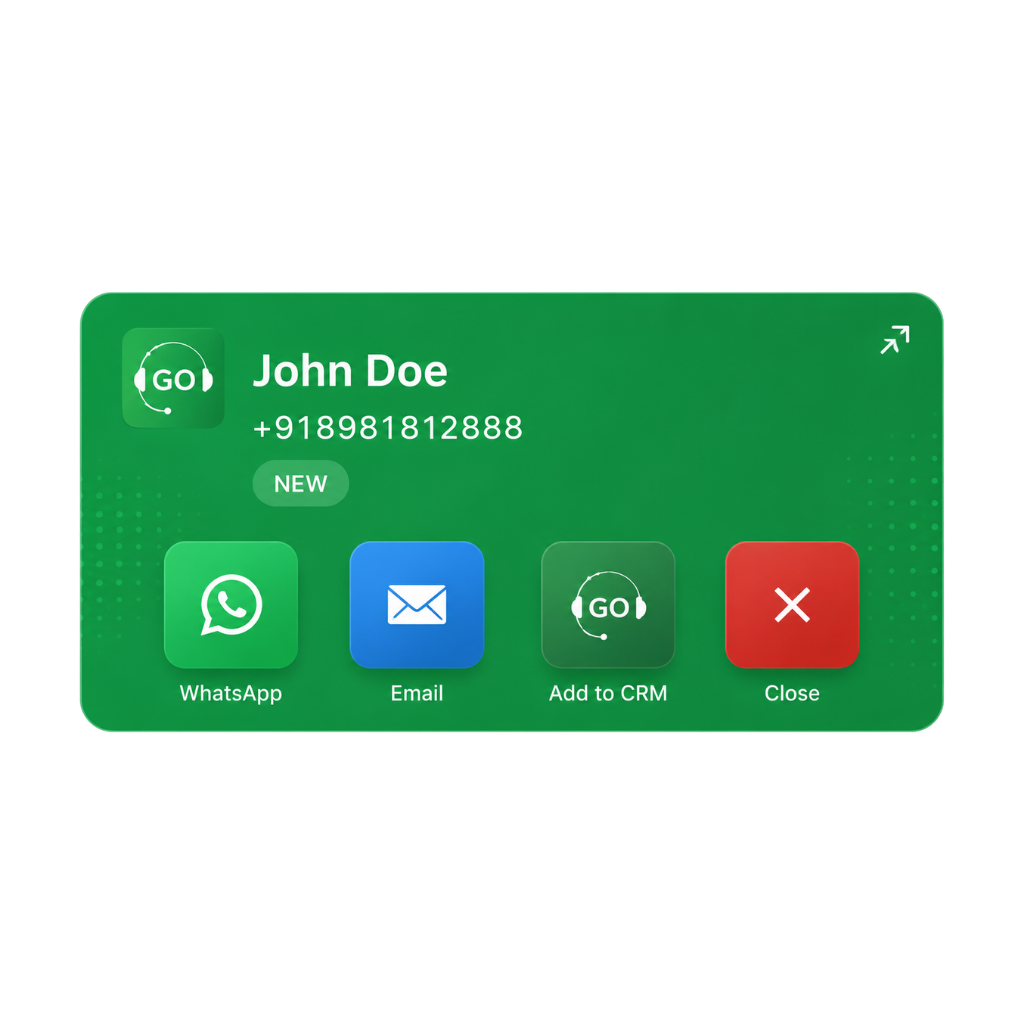
Add to CRM instantly
One tap saves the caller's number, name, and what they enquired about. No missed contacts. No manual entry later.
 GoDial Personal
Get started
GoDial Personal
Get started
The Pocket Call Center
One phone. One app. A complete call center in your pocket.




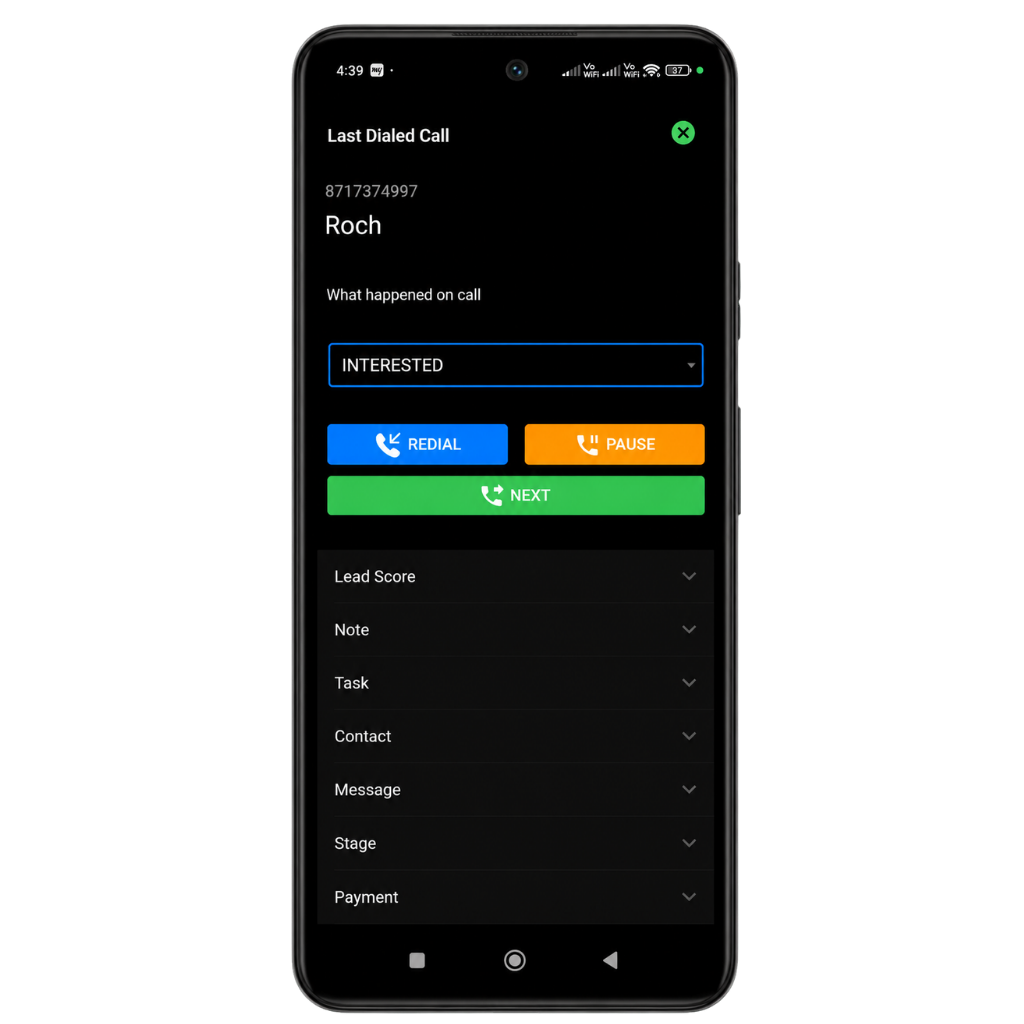
Auto Dialer
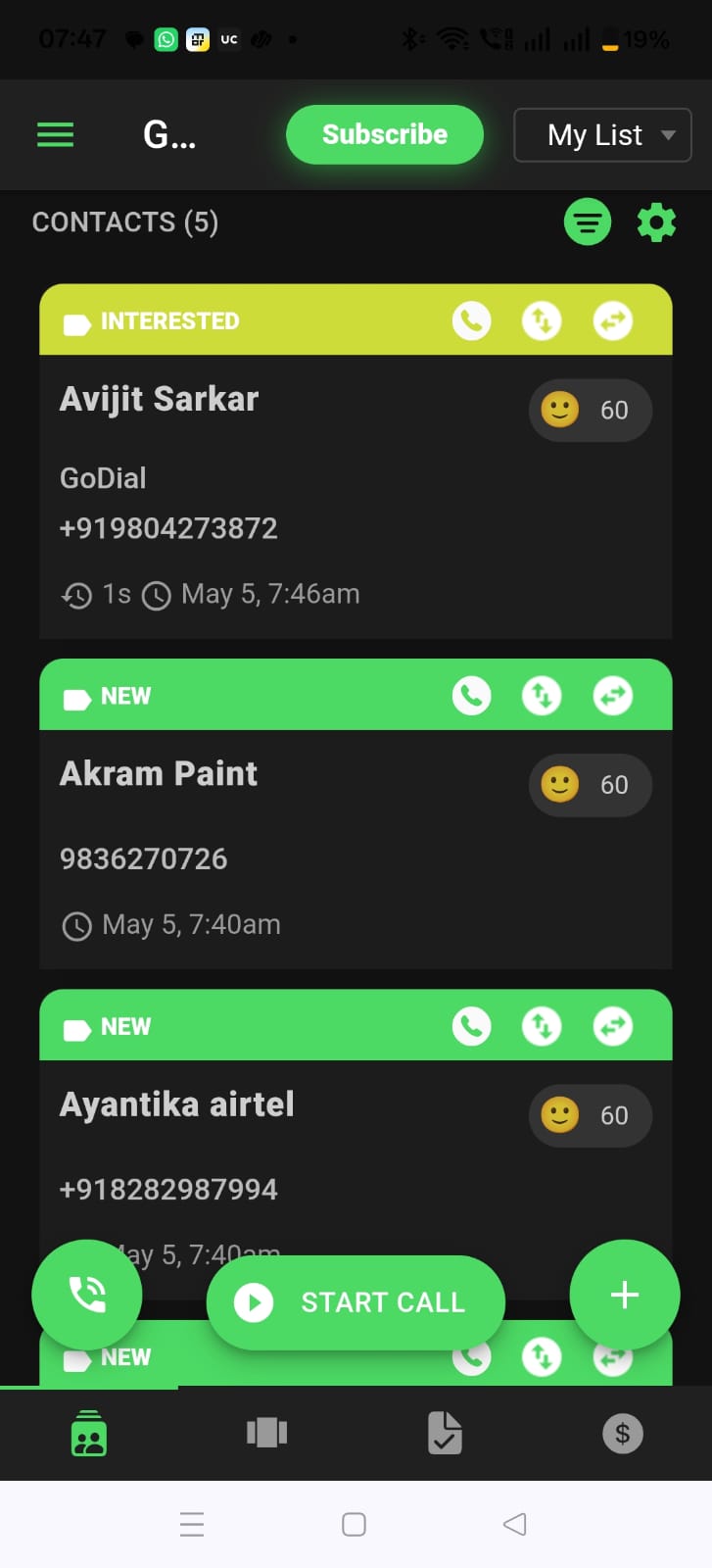
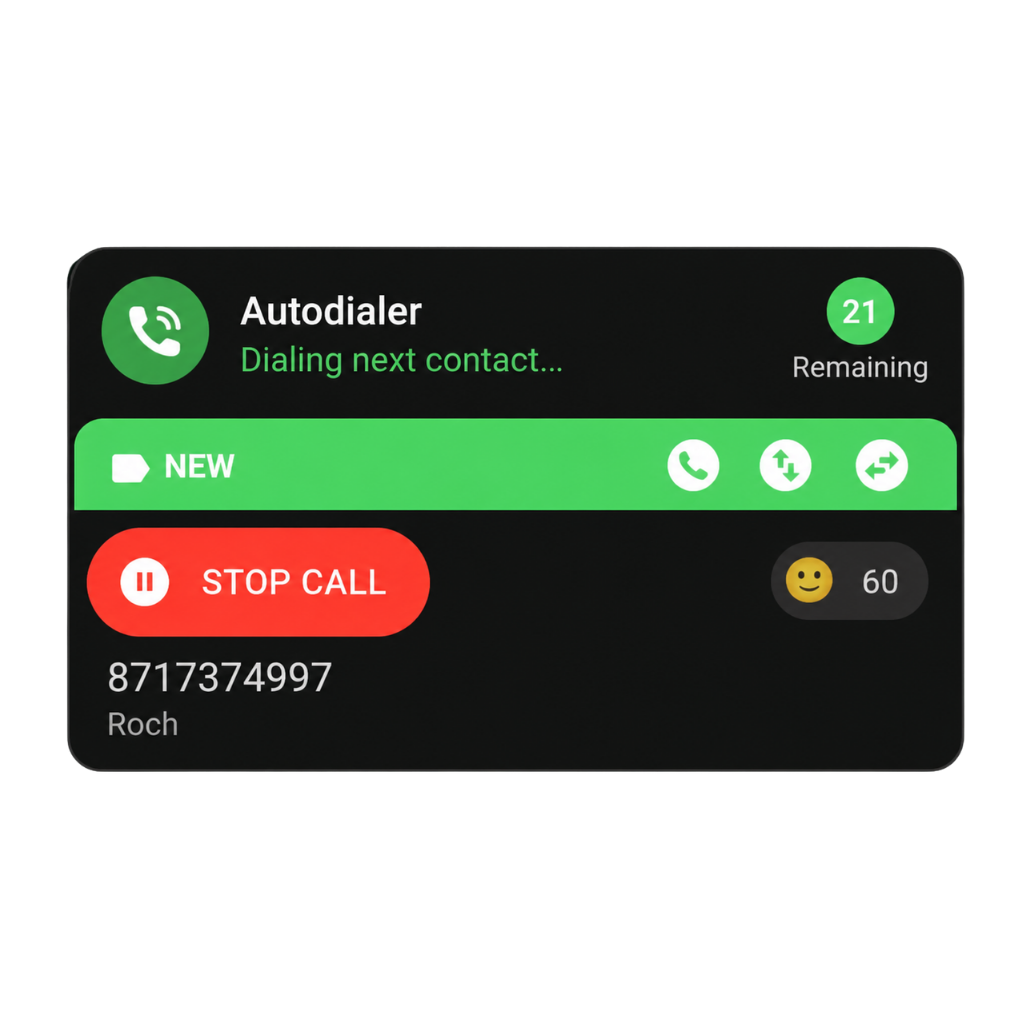
Import your list, tap Start, and GoDial works through every contact — you just talk.
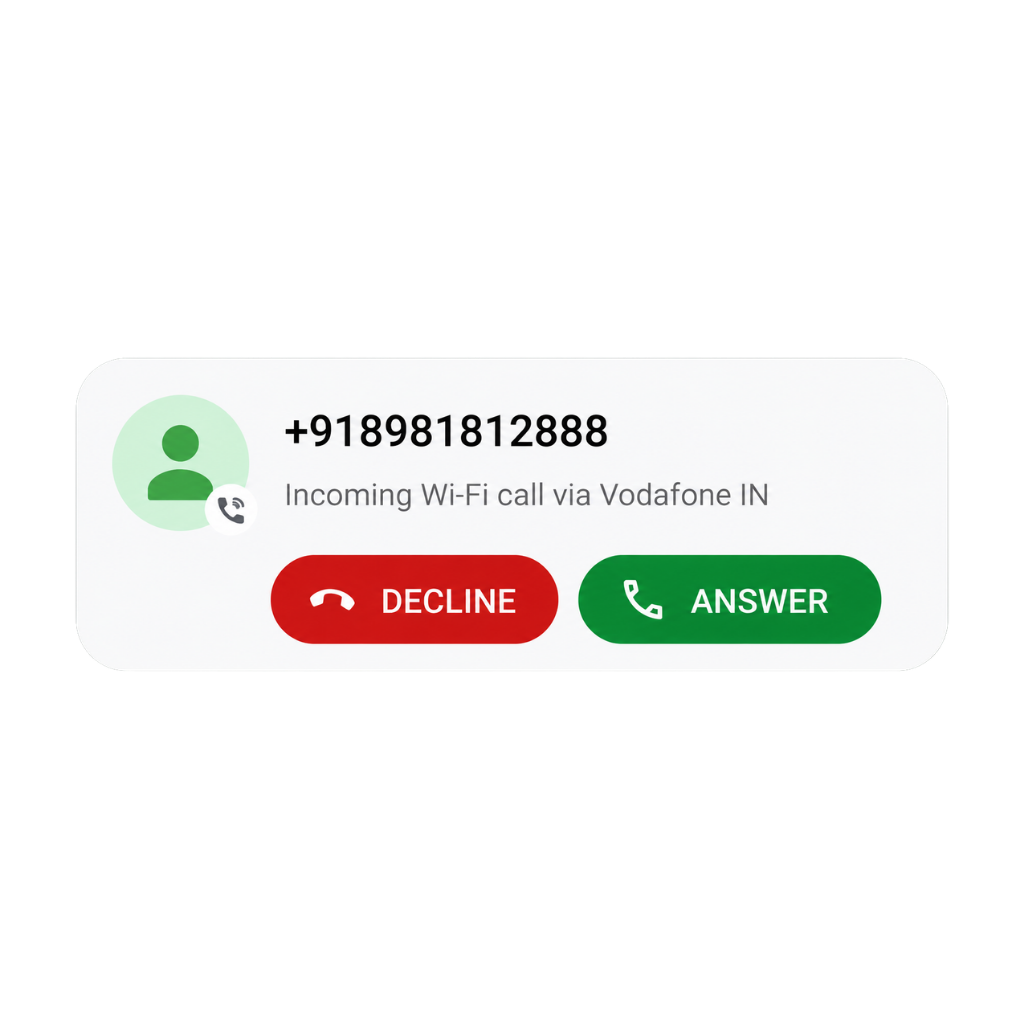
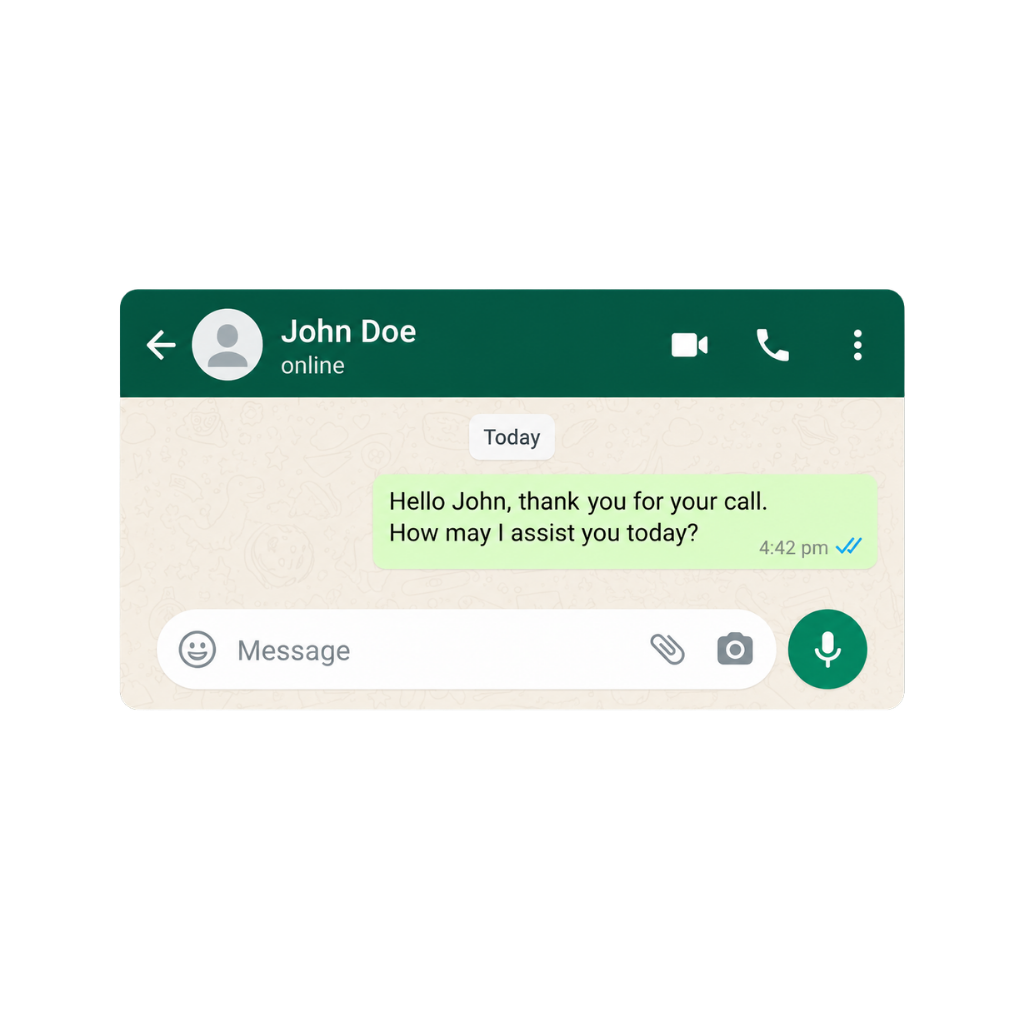
Incoming calls
GoDial helps you capture every inbound lead the moment they call. Save callers to your CRM, send WhatsApp replies, and schedule follow-ups while still on the call. Turn every inquiry into a tracked lead instead of a forgotten number.
One tap saves the caller's number, name, and what they enquired about. No missed contacts. No manual entry later.
Send pricing, a brochure, or a confirmation message while still talking. No Meta Business account needed — works directly from your regular WhatsApp.
Create a follow-up reminder before you hang up. So "I'll send it over" actually gets sent.
Perfect for small business owners, hoteliers, real estate agents, and clinics — anyone getting inbound enquiry calls throughout the day. Android only.
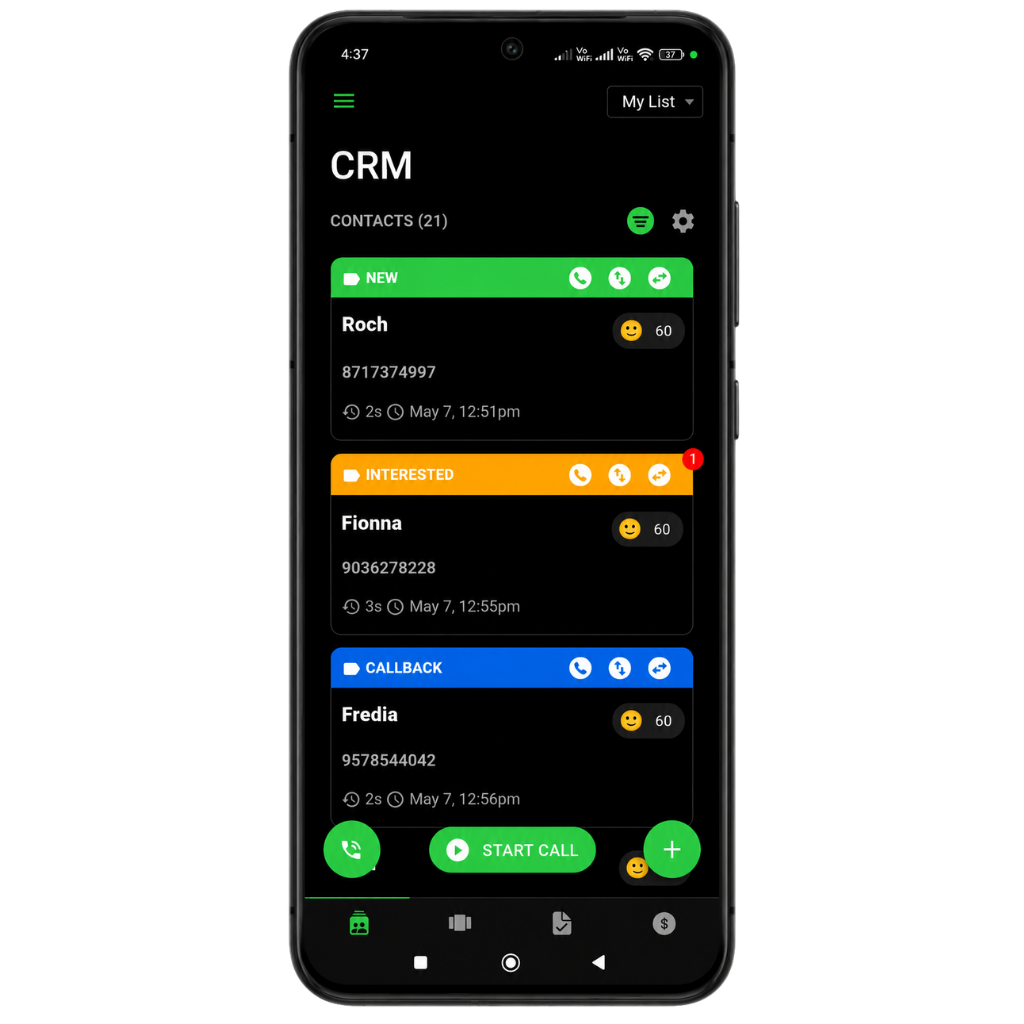
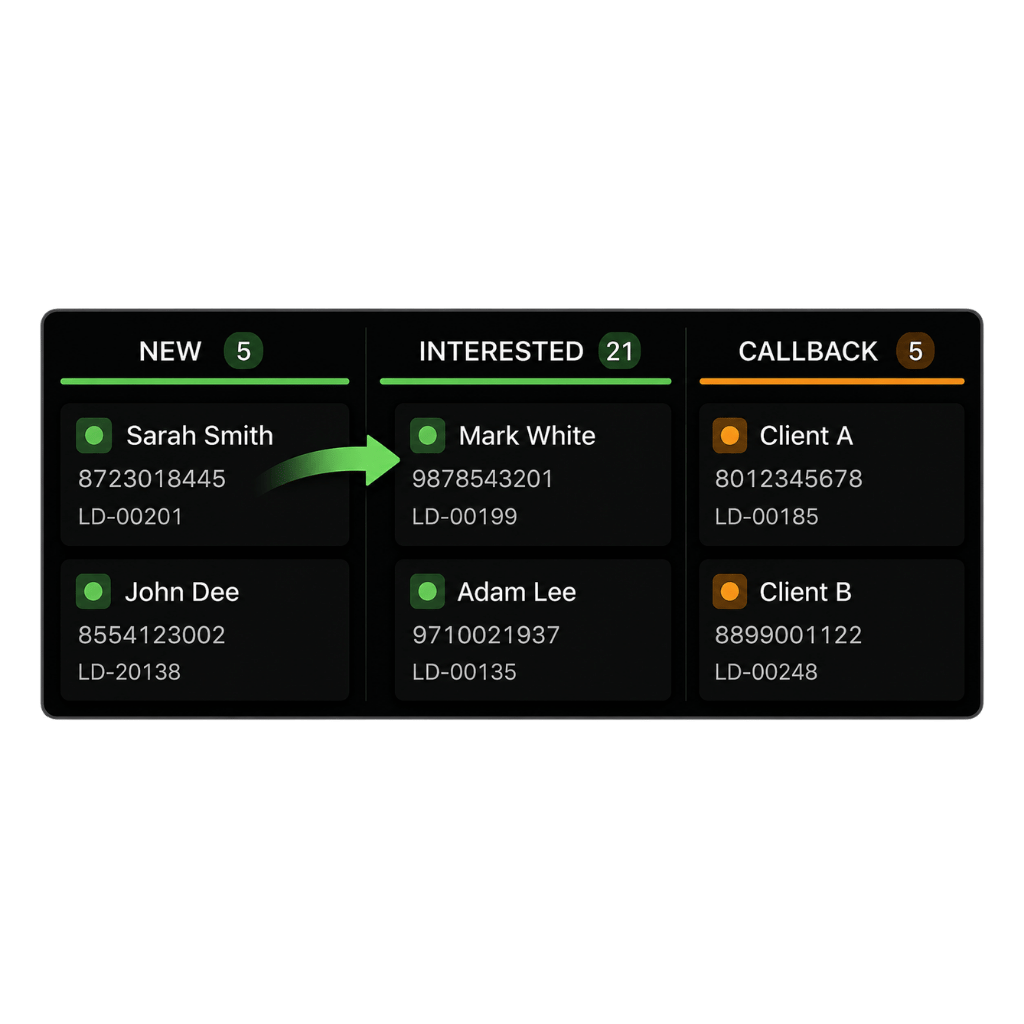
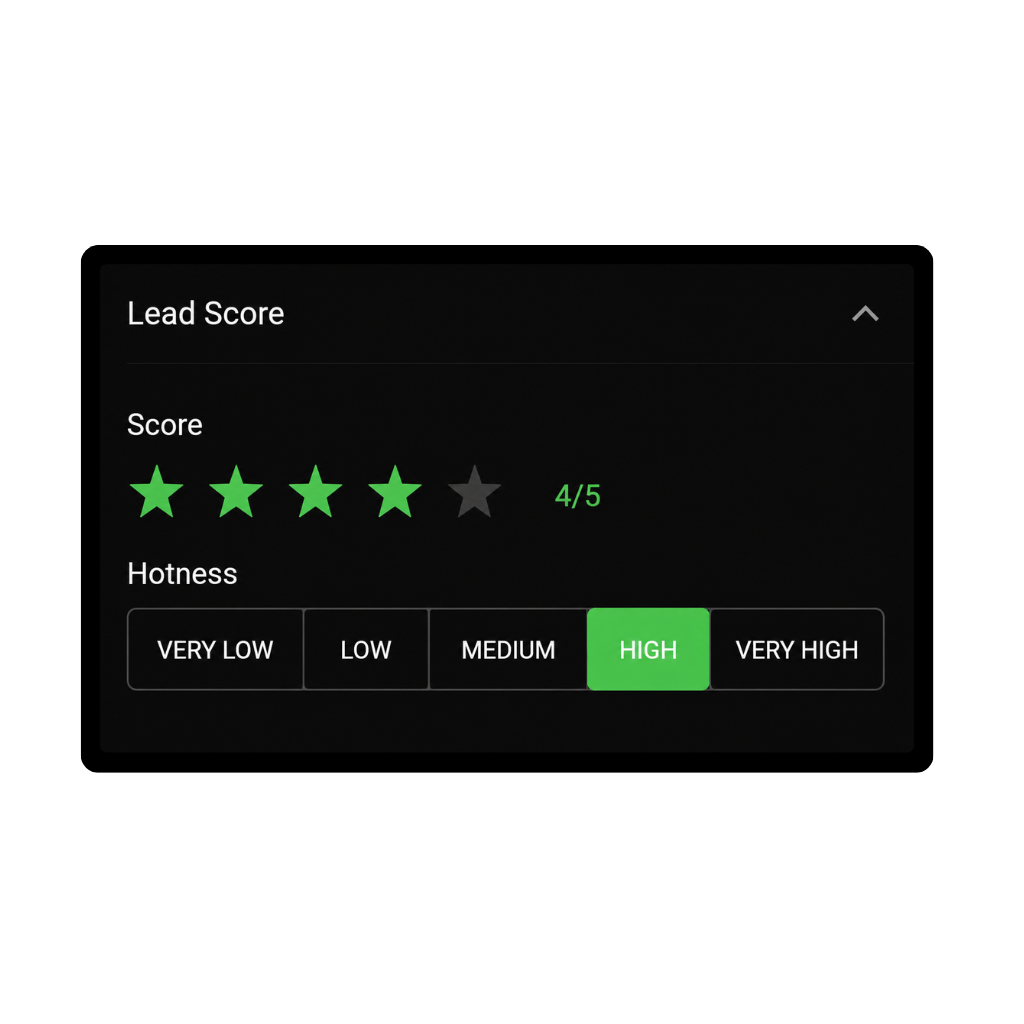
Your Mobile CRM
Every contact you call has a full history — notes, stage, payment, and tasks attached.
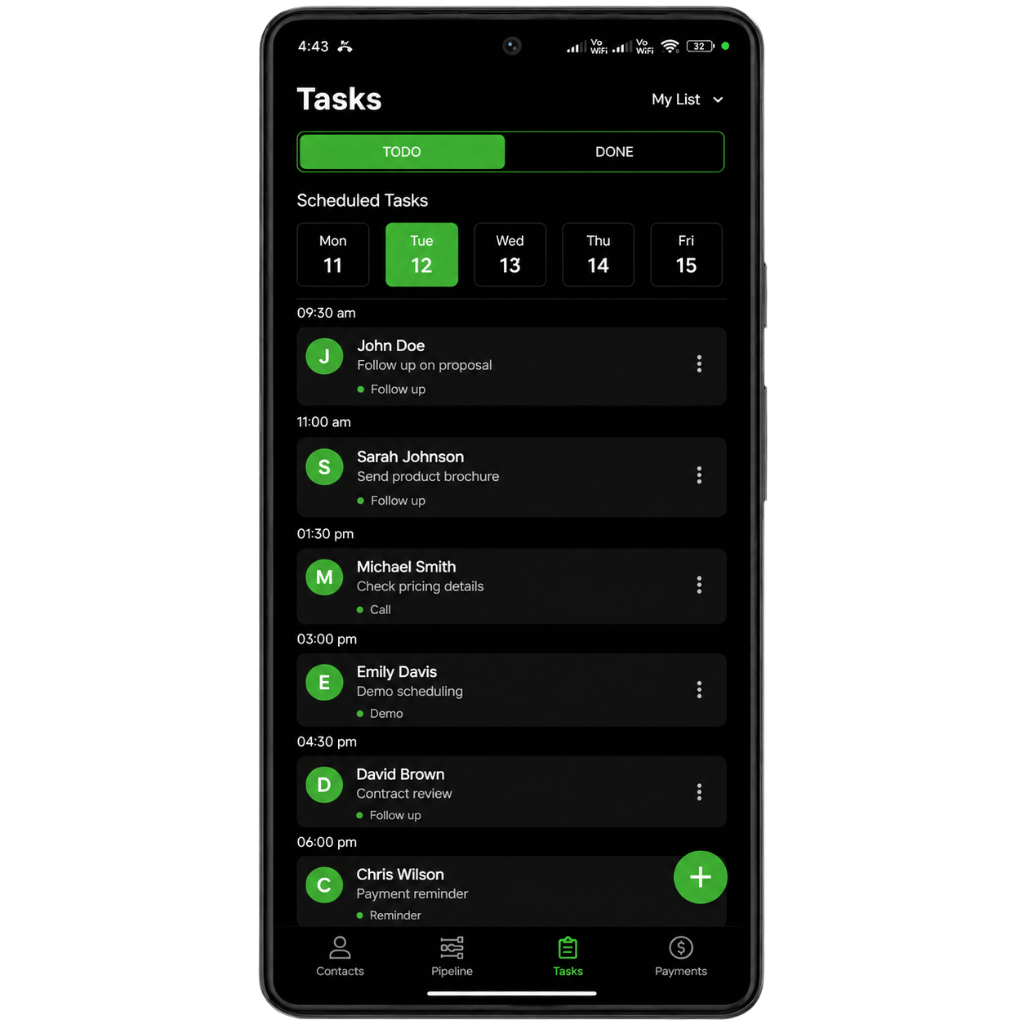
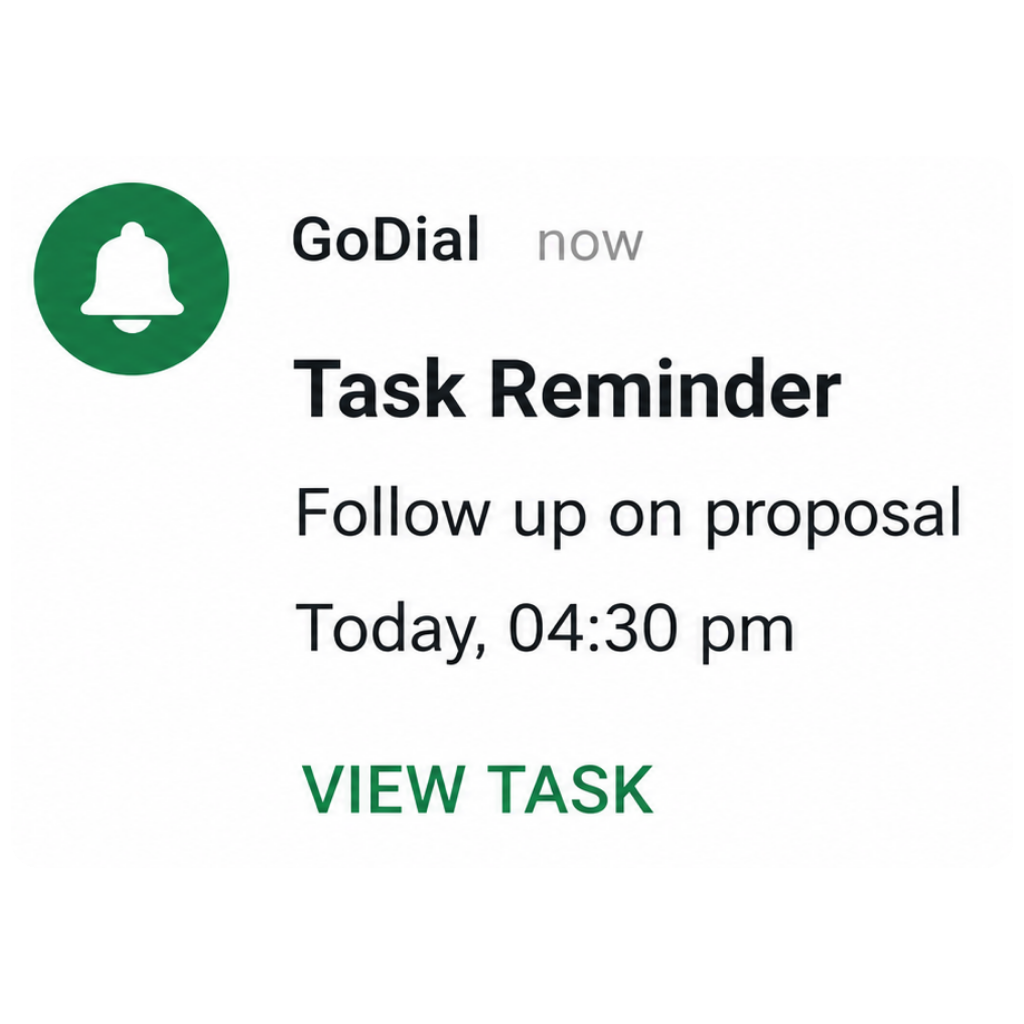
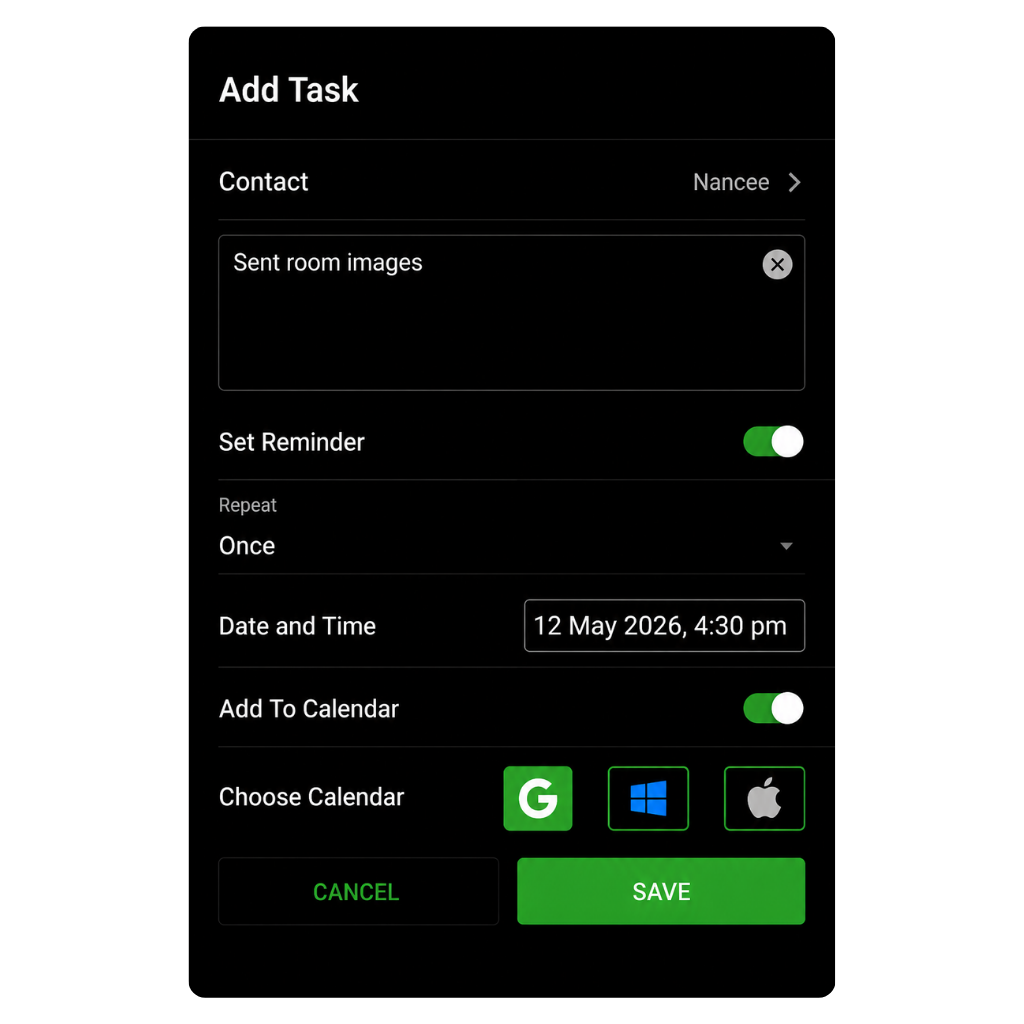
Tasks & Reminders
Create follow-up tasks and reminders while the conversation is still fresh. Every reminder stays linked to the right contact, notes, and call history. So when it’s time to follow up, everything you need is already there.
Create a task for any contact — call back, send a document, follow up on a payment, confirm an appointment. Attach it to the lead so nothing floats loose.
Set a date and time for every follow-up. GoDial reminds you when it's time — so your callbacks actually happen.
See everything due today in one place. Start your morning knowing exactly who to call, what to send, and what to follow up on.
Sync tasks and callbacks with Google, Apple, or Outlook Calendar. Your GoDial follow-ups sit alongside the rest of your day.
"Never imagined that an app of this kind would be available. Makes multiple calling so easy and need not remember... It reminds also to call back." — Rohit Shinde ⭐⭐⭐⭐
Call analytics
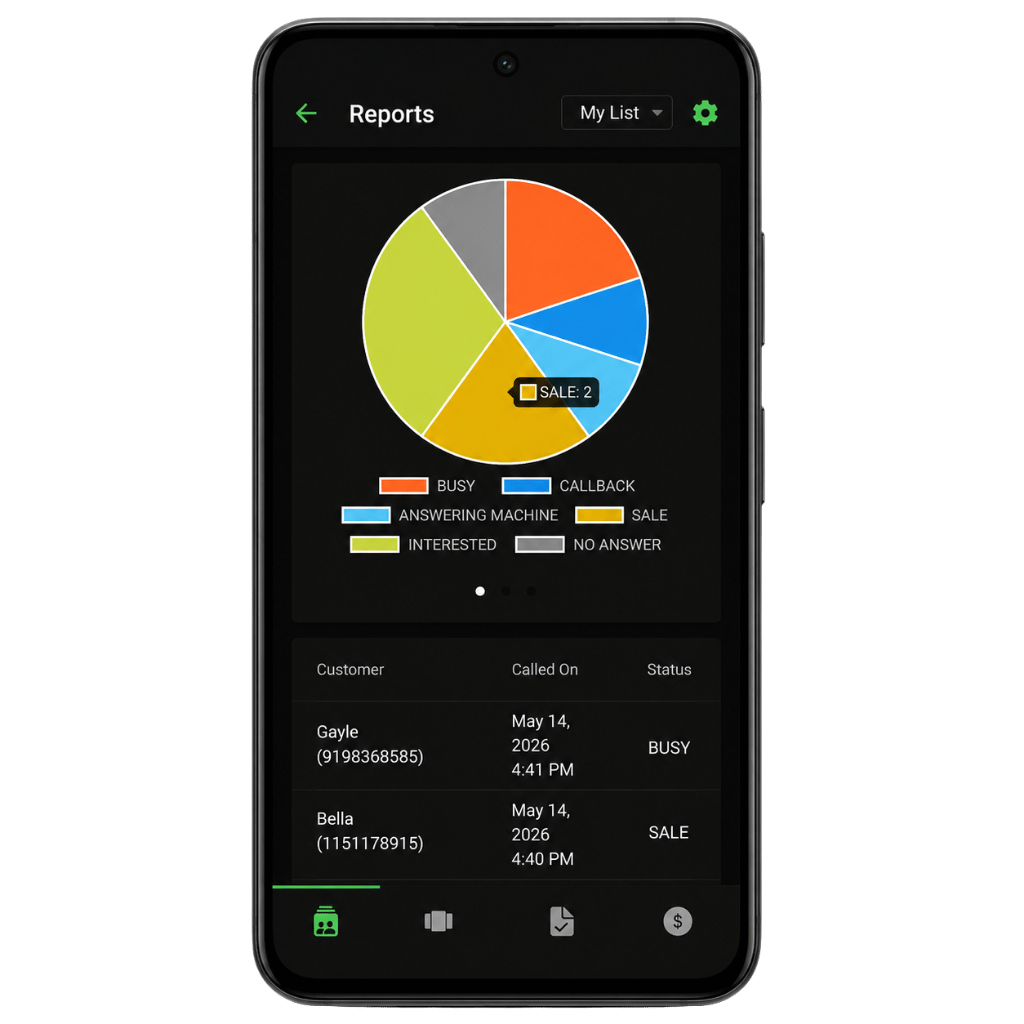
Track call volume, outcomes, callbacks, no-answer leads, sales, payments, and agent productivity from the same mobile workflow.
Feature stack
Attach payment status, deal value, and collection notes to the lead so revenue is visible beside the call history.
Create simple invoices and keep billing context attached to the customer conversation.
Use dynamic fields to personalize follow-up messages after the call.
Share a digital business card with prospects so your details stay one tap away.
Send pricing, appointment reminders, payment links, brochures, and thank-you messages with contact variables already filled in.
Keep lists, notes, and history protected as your mobile CRM grows.
Recycle busy, no-answer, and follow-up contacts back into a fresh calling pass.
Schedule the next touch while the customer context is still on screen.
Live dialer component
This simulated component keeps the core loop: pick a lead, call, choose the outcome, schedule or message, then move on.
GoDial - +919804273872
Choose a status and GoDial prepares the correct next step.
Who it's for
Whether you're calling 10 leads a day or 500, GoDial fits the way you work, not the other way around.
Call buyer and seller lists, track property remarks, stage hot leads, and schedule show-up reminders from first enquiry to closed deal.
Work through renewal, policy, and prospect lists with call outcomes, callbacks, DNC filtering, and bulk follow-up reminders built in.
Run a complete outbound desk from one phone. Auto-dial your list, capture every outcome, and send follow-ups without hardware.
Follow up with parents, patients, appointments, fee reminders, and events without the spreadsheet chaos of managing hundreds of contacts.
Getting inbound calls from ads all day? Add callers to your CRM, send details on WhatsApp instantly, and never lose a lead.
Reach large contact lists quickly, log every response, send bulk updates, and recycle unreachable contacts for another pass.
Track every booking enquiry, send instant WhatsApp replies with room details and pricing, and follow up on leads that did not confirm.
Call through prospect lists, track payment status and deal value, send reminders, and follow up on every pending case.
Work through candidate lists automatically, capture interview outcomes, send job details instantly, and schedule follow-up interviews.
Auto-dial your territory list, track every visit and call outcome, set reminders, and send proposals before you leave.
Hours saved calculator
Small delays compound when a caller works through a list all day. Adjust the sliders to estimate how much time GoDial can give back.
Start, scale when the list grows
Perfect for trying GoDial with a real lead list.
Built for daily callers who need the list to keep moving.
Prices are auto-detected for your region. Final billing happens through Google Play or the App Store.
Web dashboard, lead distribution, team app access, WhatsApp inbox, and shared workflows.
Compare the workflow
| Capability | Manual dialing | Generic CRM | GoDial |
|---|---|---|---|
| Sequential calling | Manual tap by tap | Usually separate dialer | Auto dialer built in |
| Call outcome capture | Spreadsheet notes | Custom fields | One-tap dispositions |
| Follow-up after call | Easy to forget | Requires setup | WhatsApp, SMS, Email templates |
| Mobile-first reports | Not available | Dashboard-heavy | Call, lead, and sales reports |
Get the setup guide
Use it to plan your lead list, call statuses, follow-up templates, and daily calling rhythm before your first campaign.
FAQ
GoDial is a mobile auto dialer and CRM that turns your phone into a call center. Import your leads, tap Start, and GoDial calls them one by one automatically. After every call, set a status, add a note, send a WhatsApp follow-up, and move to the next contact. Everything — calling, tracking, follow-ups, pipeline, invoices — runs from one app on your phone.
Add contacts manually, import from your phone contacts, or upload a CSV or Excel file. Choose a list, tap Start, and GoDial places calls one by one automatically. After each call, set the outcome — Interested, Callback, Sale, DNC, or your own custom status — and GoDial moves to the next contact. No manual dialing. No switching apps.
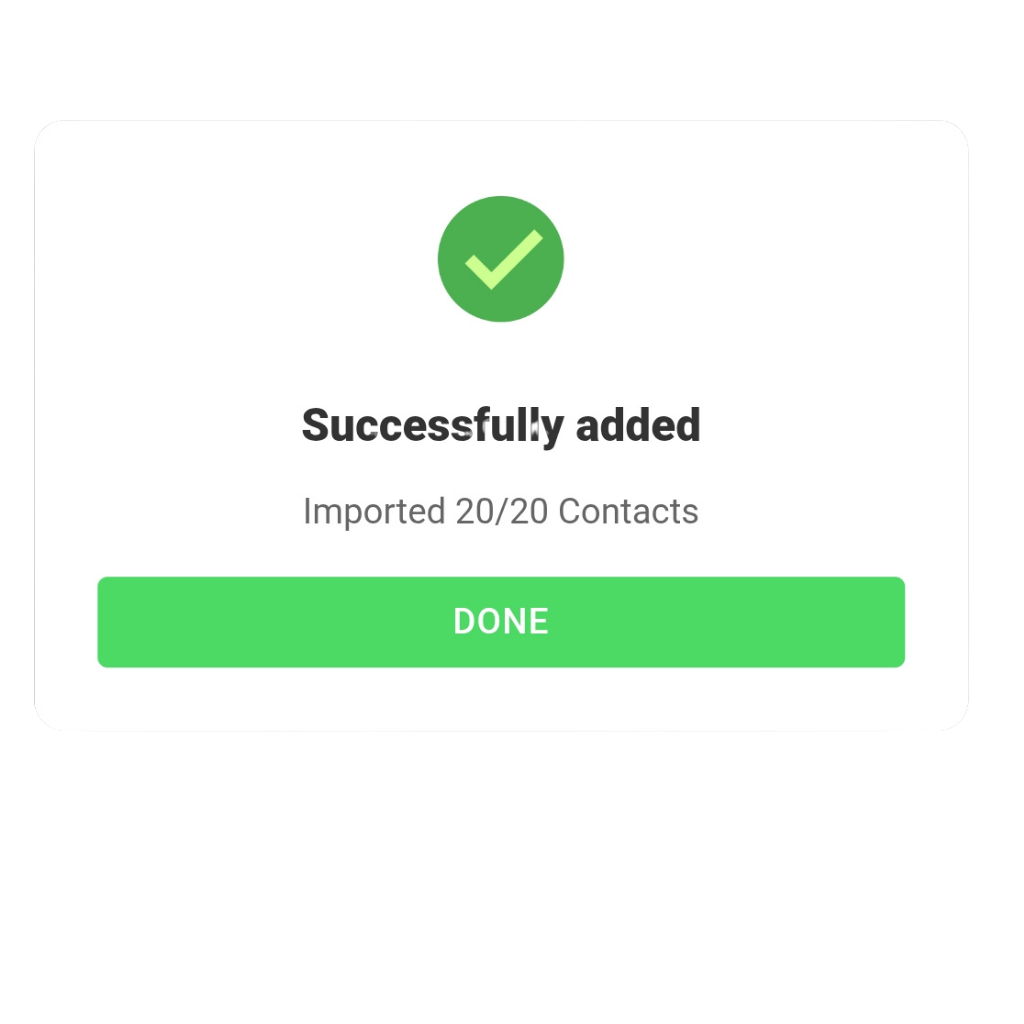
Yes. You can add contacts manually, import directly from your phone's contact list, or upload a CSV or Excel file with mapped columns for name, phone, company, email, address, and remarks. The paid plan supports unlimited contacts.
Yes. Create dynamic templates with contact fields — name, stage, deal value — that fill automatically. Send a personalised message the moment a call ends, or run a bulk message sequence to your entire list at once. No Meta Business account required. GoDial sends WhatsApp messages directly from your regular WhatsApp.
When an unknown number calls you, GoDial shows a popup on your screen while the call is live. From the popup you can add the caller to your CRM, send them a WhatsApp message instantly, or save a task to follow up later — all without leaving the call. This feature is currently available on Android only.
Rechurn resets selected contacts — busy, no-answer, or follow-up — back to New so the auto dialer can call them again. Instead of creating a new list, you recycle the same one and get another pass at every contact you didn't reach the first time.
The incoming call popup is currently available on Android only. iPhone users get the full auto dialer, CRM, WhatsApp follow-ups, pipeline, tasks, invoices, and business card features — everything except the popup.
No. GoDial sends WhatsApp messages directly from your regular WhatsApp — no Meta Business account, no API setup, no additional cost. If you have WhatsApp on your phone, you can send messages through GoDial.
Your data stays on your phone. If you cancel, you move to the free plan limits — but nothing is deleted. Your contacts, notes, call history, and tasks remain exactly where they are.
Yes. GoDial Enterprise adds a web dashboard, team management, auto lead distribution, an official WhatsApp inbox, automations, integrations, and shared workflows. Visit godial.cc to learn more or talk to the team.
The next call is waiting